Beyond the Template: Mastering the Business Management Brochure Template Set
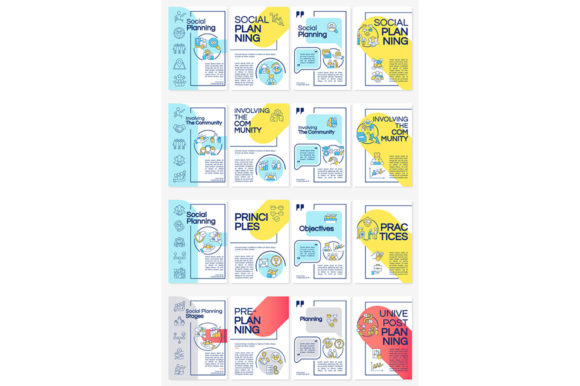
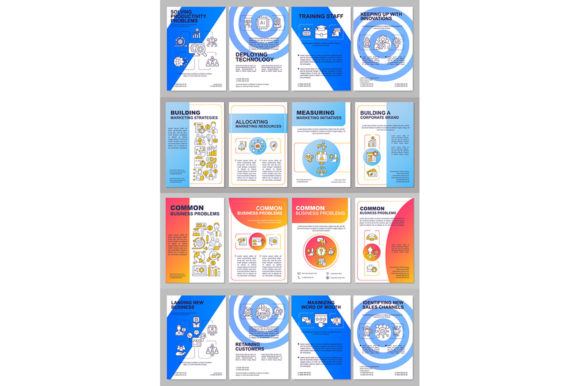
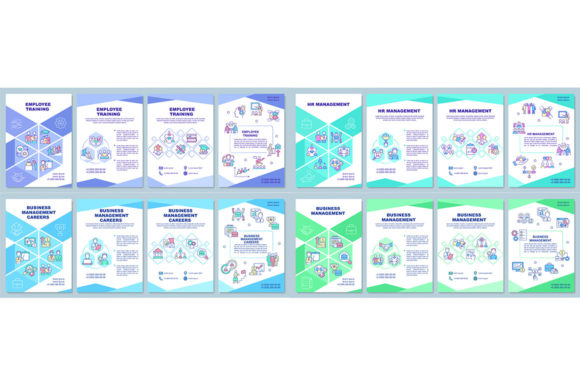
When your message needs to be structured, professional, and persuasive, a well-designed brochure is a powerful tool. The Business Management Brochure Template Set is designed specifically for this purpose, offering vector layouts primed for presentations, annual reports, and promotional ads. With a clean aesthetic using fonts like Arial Black and Myriad Pro-Regular, and a library of linear icons, it provides a foundational kit for anyone needing to communicate complex management concepts visually. But a template is just a starting point. The real value—or potential pitfalls—lies in how you use it.
The Foundation and Common Missteps
This collection is more than just pretty graphics. It includes practical product file formats—EPS, SVG, PNG, JPEG, AI—making it adaptable for both digital use and high-quality booklet print design. For creators, marketers, and small business owners, it promises efficiency. However, treating it as a simple drag-and-drop solution, without understanding its structure, is the first mistake many make. You might get a brochure, but you won’t get an effective one.
Overlooking the “Why” Before the “How”
A common oversight is diving straight into customization without defining the brochure’s core purpose. Is it for an internal coordination and control briefing? Or a client-facing annual report? Using the same template layout for both without strategic adjustment leads to confused messaging. For example, filling a template meant for a dynamic ads layout with dense textual content from an internal report will clash, reducing readability and impact. The template provides the frame; you must supply the focused narrative.
Format Confusion and Quality Loss
The set offers multiple file formats, which is a strength, but misusing them is a frequent error. Using a PNG or JPEG for a print project because it’s “easier” can result in blurry, pixelated outputs, whereas the EPS or AI files are designed for scalable, professional printing. Conversely, using a complex vector AI file for a simple web banner might create unnecessary technical hurdles. Before you start, match the format to your final output medium. Check your printer’s specifications or your web platform’s requirements.
Integration and Communication Pitfalls
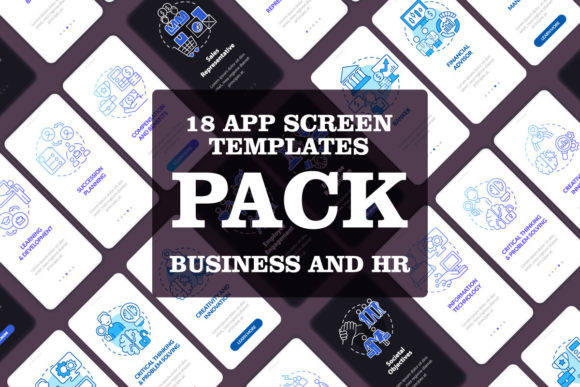
Brochures are part of a larger communication ecosystem. A mistake often seen is treating the brochure template as an isolated artifact, not integrated with other materials like mobile app screen pages or ongoing marketing campaigns. This creates a disjointed brand experience. The linear icons and design ethos of the Business Mangement Brochure Template Set can be a visual bridge to other assets, but this requires conscious coordination.
Icon Use Without Context
The included linear icons are versatile, but simply scattering them for “visual appeal” weakens their utility. Each icon should serve a clear function, like visually reinforcing a key point about “control” or “process.” A better approach is to map icons to specific sections of your content during the planning stage, using them as infographic elements within the brochure template to break down complex topics, rather than just as decoration.
Font Application Beyond the Template
The template uses Arial Black and Myriad Pro-Regular for a specific, balanced hierarchy. A common misunderstanding is thinking you must use these fonts exclusively everywhere else. In reality, they are a recommended pairing within the template layout. When extending the design to other materials, ensure font usage is consistent but adaptable. For instance, you might use Myriad Pro-Regular for body text on your website to maintain familiarity, but not feel constrained to use Arial Black for every single headline outside the brochure.
Making Informed Decisions Before Downloading
Before committing to any template set, a practical evaluation is crucial. It’s not just about the aesthetic appeal of the sample images.
First, assess your own skill level and software. The AI and EPS files are powerful for those with Adobe Illustrator or similar vector software. If you primarily work with simpler tools, confirm that the PNG or SVG formats are provided at sufficient resolutions for your needs. Don’t assume all formats will be equally editable for you.
Second, consider the scope of your project. Does this single brochure set cover all your needs, or will you require complementary items like the infographic templates or mobile app screen pages mentioned? Many providers, like BSD Studio, update their offerings with new topics and discounts weekly. Subscribing or checking their full catalog can prevent you from buying a narrow set when you actually need a broader design system.
Third, look for flexibility versus rigidity. Examine the template layouts. Are they truly modular? Can you easily adjust the coordination and control sections, or are they locked into a specific sequence? A good template guides, not dictates. Test a sample if available to see if you can logically rearrange elements without breaking the design’s integrity.
A Practical Path to Better Results
To avoid these mistakes and maximize the value of your Business Mangement Brochure Template Set, follow a structured approach.
Start with a content outline for your brochure, independent of the template. Define your key messages, data points, and calls to action. Then, open the template and map your content to its sections. Use the vector layouts as a guide, not a constraint. If a section feels forced, consider whether you need to adapt the template layout slightly or refine your content.
When customizing, prioritize consistency. Use the color palette and icon style from the template to create a cohesive look across all pages. If you’re creating a booklet print design, use the high-resolution EPS files and consult with your printer early to ensure the bleed, margins, and fold marks are correctly handled.
Finally, view the brochure as a living component. Its design, born from this template set, should be a reference point for future presentations, reports, and ads. By understanding the principles behind its construction—the typography pairing, the iconography, the layout balance—you can extend its professional feel to other projects, making your initial investment in the template set continue to pay dividends.
The goal is not just to use a template, but to master it. By avoiding the common pitfalls of misapplication, format misuse, and disjointed design, you transform a pre-made set into a powerful, personalized communication tool that effectively serves your management, marketing, or educational objectives.