The Usage of Biometric Technology App Set: A Practical UI Resource for Modern Developers
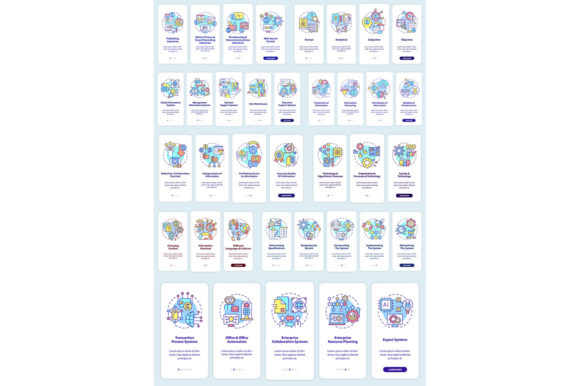
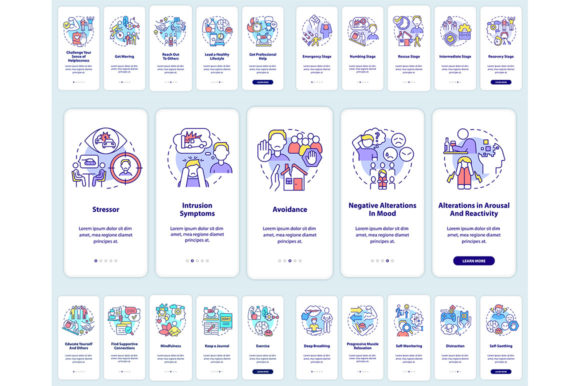
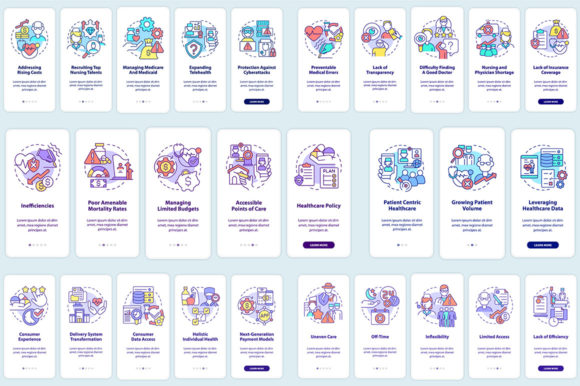
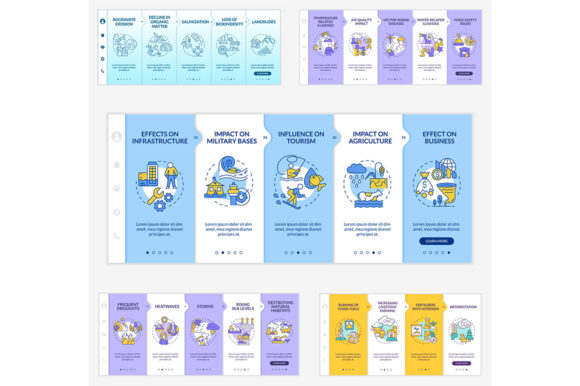
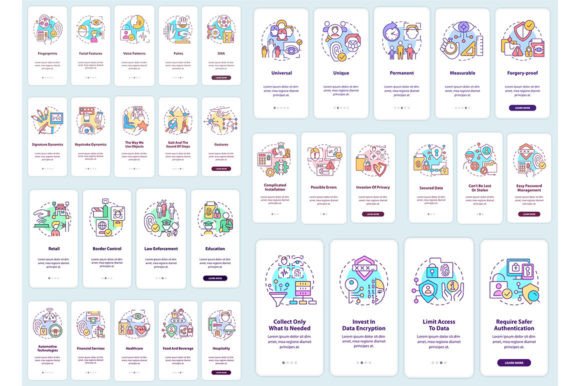
The integration of biometric technology into mobile applications has become standard practice for enhancing security and user convenience. For designers and developers tasked with creating these interfaces, finding a coherent, professional set of visual assets can be a significant hurdle. The Usage of Biometric Technology App Set addresses this need directly. It is a curated collection of eight mobile app screen templates specifically designed to illustrate the implementation of biometric features like fingerprint scanning, facial recognition, and secure authentication workflows.
This set is worth discussing because it provides more than just generic graphics; it offers a structured visual walkthrough of a linear user journey. The editable graphic instructions embedded within the templates serve as a foundational guide, allowing creators to rapidly prototype or present a clear, step-by-step authentication process. This focus on linear concepts makes the set particularly valuable for explaining complex security flows to stakeholders or clients in a visually digestible format.
Core Characteristics and Design Integrity
The set’s key characteristic is its commitment to a consistent UI, UX, and GUI template structure. Utilizing a restrained yet professional font combination of Myriad Pro-Bold and Regular, the designs communicate authority and clarity. This typographic choice ensures text hierarchies are easily discernible, which is critical for instructional screens guiding users through sensitive security procedures.
Each template in the Usage of Biometric Technology App Set is crafted to represent a distinct stage in a biometric workflow. You might find screens for initial permission prompts, scanning animation sequences, success confirmations, and error-handling states. The practical value lies in their completeness; they provide a visual system rather than a single isolated element. This allows a designer to map out an entire user journey without needing to create disparate assets from scratch, saving considerable time and ensuring visual consistency across the application.
Evaluating Quality and Usability in Real-World Projects
In terms of performance in real-world use, the flexibility offered by the included file formats—EPS, SVG, PNG, JPEG, and AI—is a major strength. Whether a developer needs a quick PNG placeholder for a wireframe or a designer requires an editable SVG to tailor the interface to a specific brand palette, the set accommodates diverse workflows. The vector-based formats (EPS, SVG, AI) ensure the assets are scalable and maintain quality across different device resolutions and print mediums, which speaks directly to their reliability and long-term value.
Usability extends beyond the files themselves to their inherent design. The templates present a clean, modern aesthetic that aligns with current mobile design standards. Their effectiveness is measured by how easily they can be adapted. A marketer, for instance, could use the PNG files in a presentation to visualize a proposed app feature, while a freelance UI designer could deconstruct the AI files to study the layer structure and apply those principles to another project.
Strengths for Specific Audiences and Scenarios
Who benefits most from this resource? The audience is broad but targeted. Professionals and entrepreneurs developing security-focused apps can use these screens in their pitch decks or development plans. Freelancers and bloggers in the tech space might utilize them in educational content or tutorials about biometric UX. Educators can incorporate them into course materials as real-world examples of interface design for authentication.
The situations where the Usage of Biometric Technology App Set proves most useful are those requiring speed and professional presentation. Imagine a small business owner contracting a developer to build a time-tracking app with fingerprint login. These templates provide a ready-made visual specification, reducing ambiguity. For a creator publishing an infographic on cybersecurity trends, the brochure-ready elements within the set can be extracted to enhance the visual narrative.
Practical Considerations and Balanced Observations
While the set is a robust starting point, it’s important to consider its context. It is a template and a set of assets, not a complete, coded solution. Its primary value is in visualization and acceleration of the design phase. A limitation might be that the specific linear flow depicted may not exactly match every app’s unique logic, requiring customization. However, the editable nature of the core graphic instructions means this adaptation is fundamentally possible.
A professional observation is that the inclusion of a walkthrough with editable graphic instructions elevates the set from a mere image gallery to a lightweight design framework. This approach encourages thinking through the user experience sequentially, which is a best practice in secure application design. For teams aiming to maintain a consistent look across marketing brochures and the app itself, the multi-format availability supports this cross-channel consistency.
Aligning the Set with Your Project Needs
To determine if the Usage of Biometric Technology App Set fits your goals, evaluate your current phase. If you are in the early design, prototyping, or client communication stage of a project involving biometric features, it is highly relevant. Its effectiveness is lower if you already have a mature, branded UI kit or are solely in need of backend programming resources.
For the serious hobbyist or indie developer, the set offers a cost-effective way to access professionally styled assets without a large design budget. The promise of new topics and discounts every week from BSD Studio suggests an ongoing resource stream, making a subscription beneficial for those regularly needing fresh templates for icons, brochure infographics, and mobile app screens. Ultimately, this set serves as a practical bridge between the concept of biometric integration and its tangible, user-facing interface, making it a thoughtfully compiled resource for a wide range of digital creators.